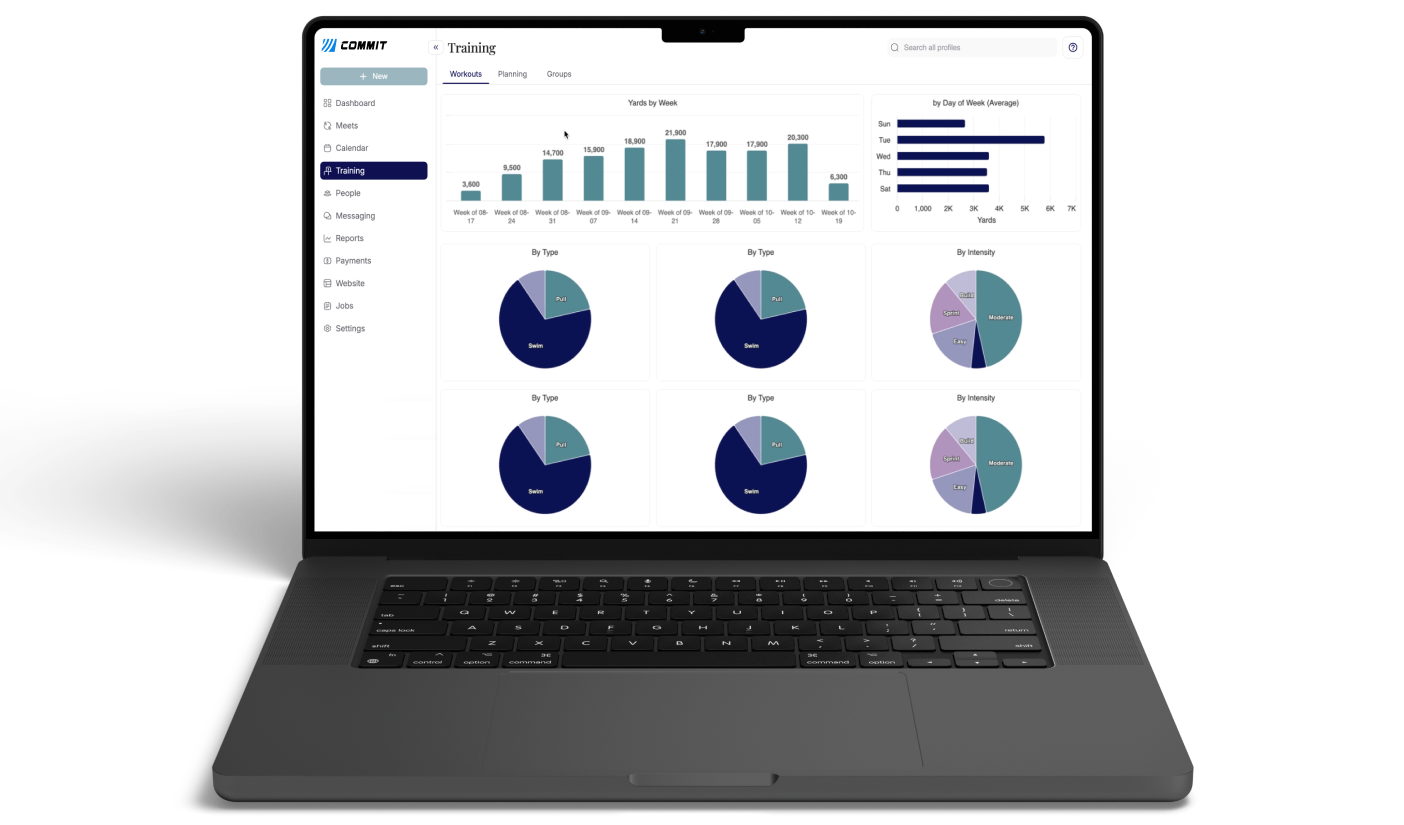
Commit App
The swim team app families actually open.
Meets, RSVPs, best times, messages and payments for families. Attendance, workouts and the roster for coaches. One app on iPhone and Android, with push notifications for what matters.

Families answer meets and pay in a tap
Push for messages, invites and invoices
Coaches take attendance and write workouts on deck



How it works
How do families get started with the Commit app?
Families download Commit Swimming - Team, sign in with the email they use on the web, and turn on notifications. Coaches use the same app.
1. Download the blue app
Search Commit Swimming in the App Store or Google Play and get Commit Swimming - Team.
2. Sign in
Use the same email and password as the web. One login covers every team and role.
3. Turn on notifications
Allow notifications for messages, meet invitations and new invoices. Each family picks the rest.
For families
What can families do in the app?
Answer meets and RSVPs, check each swimmer's best times, read team messages and pay invoices. The tabs are Calendar, Swimmers, Inbox and Payments.
- Going or Not going, right on the meet
- Best times and the closest cuts for each swimmer
- Sign the team's documents in the app
- Pay invoices and update the card
Notifications
Will families actually see our messages?
Messages, meet invitations, RSVP reminders and new invoices arrive as push notifications and wait in the bell. You set the team's defaults, and each family can change their own.
- Push for messages, invites and invoices
- A notification bell with an unread count
- Team defaults for app, push and email
- Each family changes their own alerts
Meet day
Can parents find their swimmer's heat and lane?
The Spectator view walks through the meet one event at a time, with heats and lanes once the coach assigns them. Your own swimmers are highlighted, and By swimmer shows one swimmer's whole day.
- By event or by swimmer
- Heat and lane once they're assigned
- Search for an event, like “50 bre”
- Your swimmers highlighted
For coaches
Can coaches run practice from the app?
The Training tab opens on an On deck card for your next practice. Tap Attendance and mark only who's missing, or open the workout and write with swim keys above the keyboard.
- On deck card for today's next practice
- Everyone starts present; tap who's missing
- Write workouts with x, @, : and # one tap away
- Roster, Inbox and Reports in the same app
Calendar and shifts
Does the team calendar work on a phone?
Month, Week and Schedule views with practices, meets, events and deadlines. Families RSVP with guests and get directions. Coaches see their shifts and ask for a cover when they can't make it.
- Month, Week and Schedule views
- RSVP with guests, plus directions
- Sync to your phone's calendar
- My shifts, covers and hours for staff
The real screen
What does the Commit app look like?
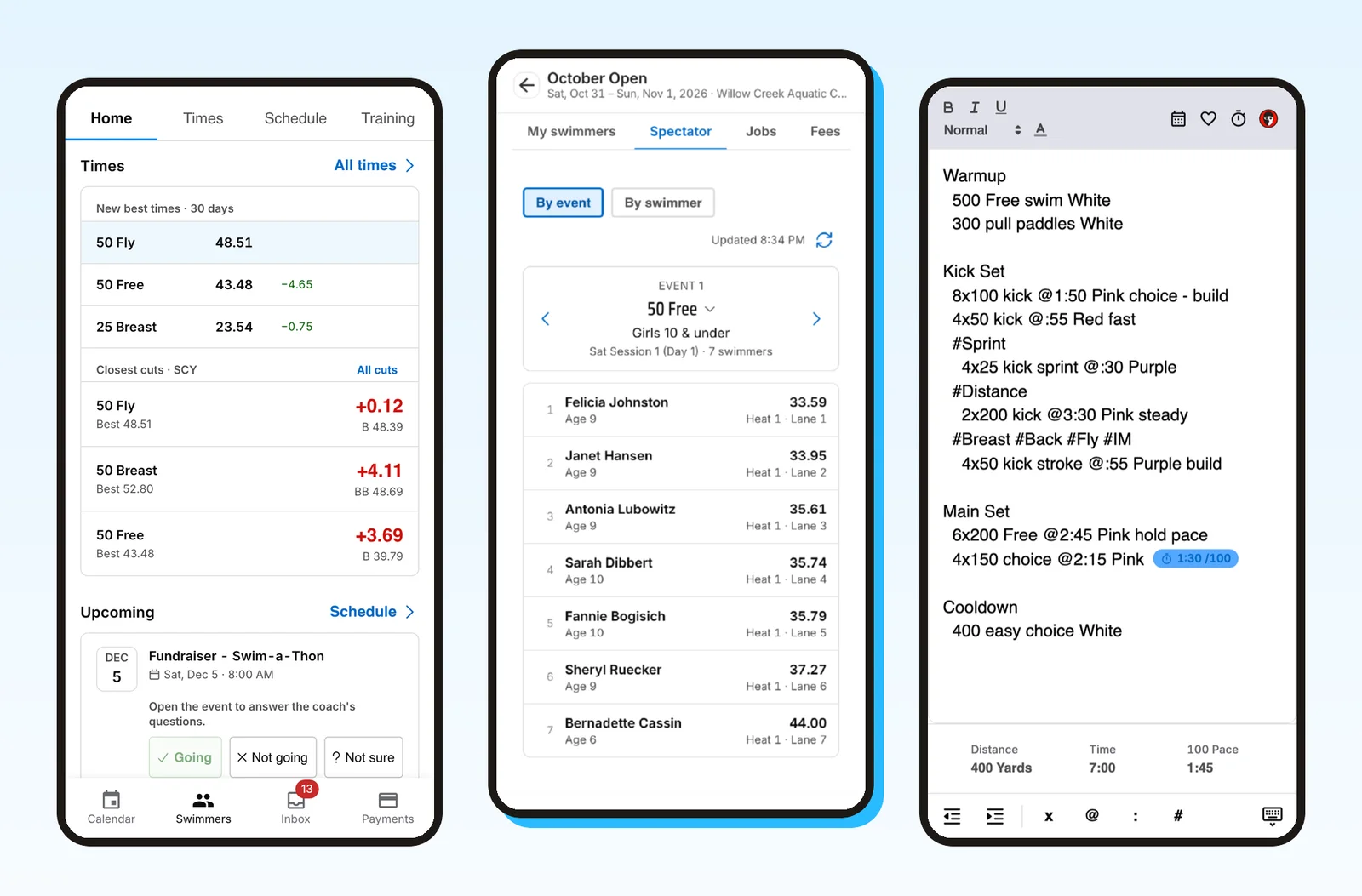
Real screens from the Commit app: a swimmer's page, the Spectator view on meet day, and a coach writing a workout.
- A swimmer's best times and closest cuts
- RSVPs right on the swimmer's page
- Heats and lanes on meet day
- Distance, time and pace as you write
Everything else
What else is in the app?
One login, many hats
Coach and parent, or on two teams? Switch from the menu.
Light or dark mode
Dark, Light or System, in the app and on the web.
Volunteer jobs
Families grab a job slot from the app.
Fundraiser pages
Families see and share their fundraiser page.
Test sets
Coaches enter test set times on deck.
Meet results
Coaches review uploaded results and best times on the go.
From clubs
What do clubs say about Commit for families and coaches?
 “
The communication tools are great, and parents like being able to quickly check schedules, meet info, and swimmer progress all in one place.
 “
Meet entries are also easier as we just have to send an invite to our eligible swimmers, no more emails reminding parents to commit to a future meet.
 “
The app is incredibly convenient, letting me plan on the go and easily reference previous sessions for inspiration.
 David PrattAge Group Coach, Derby Excel SC
Questions
Commit app questions
Which app do families download?
Commit Swimming - Team, the blue icon, from the App Store or Google Play. Coaches use the same app.
Does it work on iPhone and Android?
Yes. Commit Swimming - Team is in the App Store and on Google Play.
Do families have to use the app?
No. Everything works in any browser at team.commitswimming.com. The app adds push notifications.
What is the black Workout app?
Commit Swimming - Workout is a deck app for coaches who write workouts. Parents never need it, and coaches can also write workouts and take attendance in the Team app's Training tab.
Can one person be a coach and a parent?
Yes. One login covers every team and role. Tap the menu, then your team row, to switch.
Which alerts do families get?
You set the team's defaults for in the app, push and email. Each parent or athlete can change their own, and their choices win.
Give families one app to open.
Grab 45 minutes with us and we'll walk through the app from a parent's side and a coach's, with your club in mind.

iPhone and Android
Push for what matters
Switch mid-season without the headache